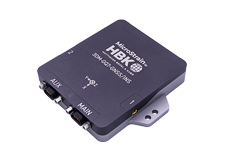


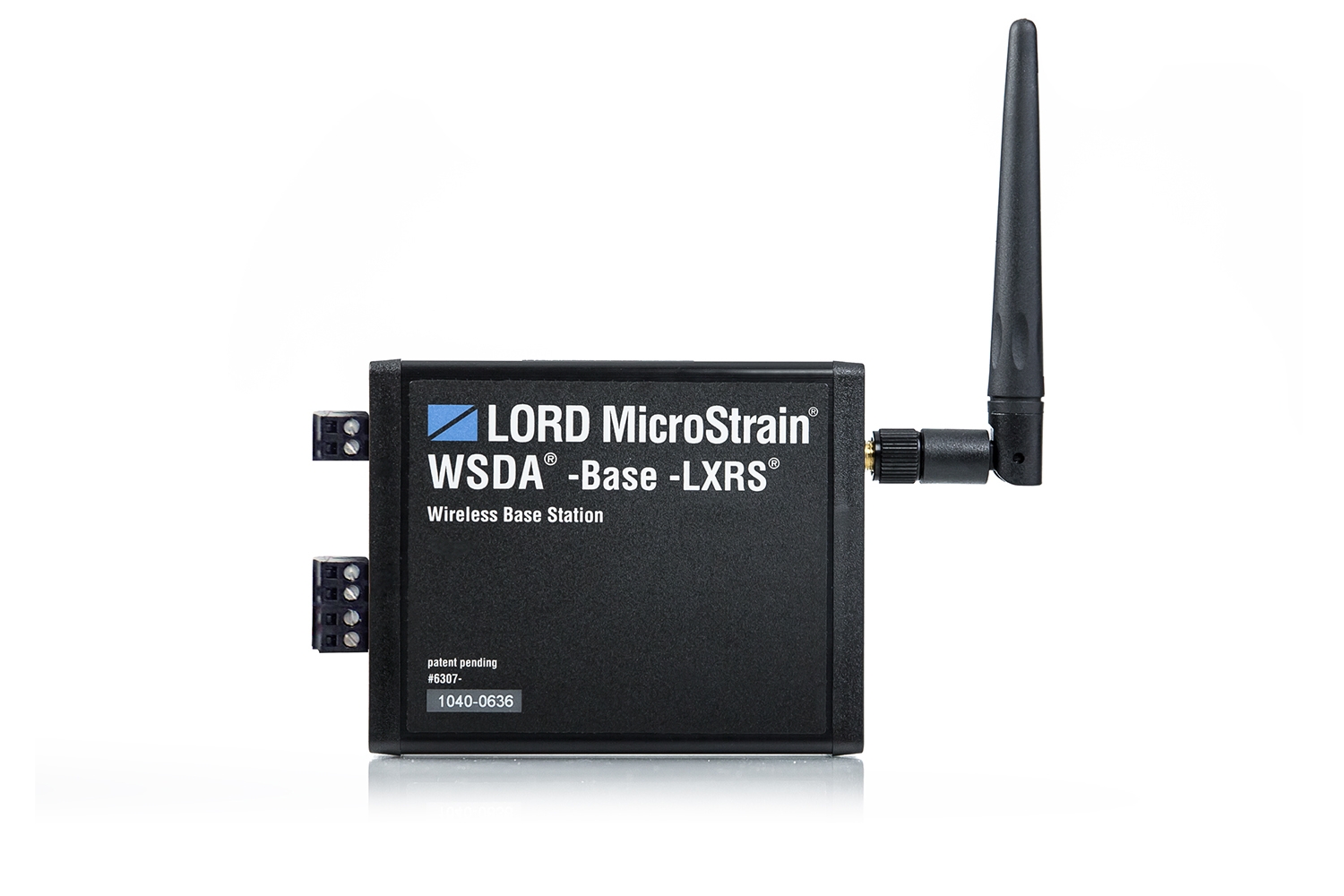
WSDA® -Base -102 -LXRS®
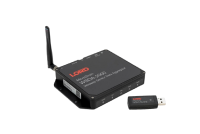
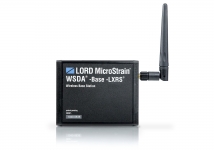
LORD MicroStrain’s WSDA® -Base -102 -LXRS® is a RS232 data gateway which provides easy, reliable sensor data acquisition.
Product Highlights
- Data acquisition gateway collects synchronized data from scalable networks of wireless sensors
- Provides seamless communication between the wireless sensor nodes and host computer
- Quick deployment with RS-232 host computer interface
- Compatible with all LORD MicroStrain® sensor nodes
Specs
|
General |
|
|---|---|
|
Connectivity |
RS-232 @ 921,600 bps (all sampling modes), 115,200 (not available in synchronized sampling mode) |
|
Sampling |
|
|
Supported node sampling modes |
Synchronized, low duty cycle, continuous, periodic burst, event-triggered, and datalogging |
|
Synchronization beacon interval |
1 Hz beacon provides ± 32 μsec node-to-node synchronization |
|
Synchronization beacon stability |
± 3 ppm |
|
Network capacity |
Up to 2000 nodes per RF channel (and per gateway) depending on the number of active channels and sampling settings. Refer to the system bandwidth calculator: http://www.microstrain.com/configure-your-system |
|
Operating Parameters |
|
|
Radio frequency (RF) transceiver carrier |
2.405 to 2.470 GHz direct sequence spread spectrum over 14 channels, license-free worldwide, radiated power programmable from 0 dBm (1 mW) to 16 dBm (39 mW); (low power option available for use outside the U.S.A.- limited to 10 dBm (10 mW) |
|
RF communication protocol |
IEEE 802.15.4 |
|
Range for bi-directional RF link |
70 m to 2 km line of sight with RF power setting |
|
Power source |
Screw terminal connector: 3.6 to 13.0 V dc, USB port: 5 V dc standard (power only, no communication) |
|
Power consumption |
Idle: 45.7 mA; Eight active node channels operating at 256 Hz low duty cycle: 65.6 mA |
|
Operating temperature |
-40 °C to + 85 °C (electronics) -30 °C to +70 °C (enclosure/antenna) |
|
Physical Specifications |
|
|
Dimensions |
128 mm x 70 mm x 20 mm without antenna |
|
Weight |
131 grams |
|
Enclosure material |
Black anodized aluminum |
|
Integration |
|
|
Connectors |
Screw terminal blocks, micro-USB (optional power input only, no USB communication) |
|
Communications cable |
Pin terminal to DB9 |
|
Compatible sensor nodes |
All LXRS® sensor nodes, all legacy 2.4 GHz nodes |
|
Firmware |
Firmware upgradeable through software interface |
|
Software |
SensorCloud™, SensorConnect™, Node Commander®, Windows 7 (or newer) |
|
Software development |
Open-source MicroStrain Communications Library (MSCL) with sample code available in C++,Python,and.NET formats (OS and computing platform independent): http://lord-microstrain.github.io/MSCL/ |
|
Regulatory compliance |
FCC (U.S.), IC (Canada), ROHS |
Documentation
Downloads
Software
SensorConnect
Free
SensorConnect is the next generation in desktop sensing software.
From configuration of nodes and starting networks, to collecting and analyzing data in real-time, SensorConnect provides a modern, powerful experience with our Wireless, Inertial, and Displacement products.
Using our intelligent data collection and graphing algorithms, you are able to visualize massive amounts of data instantly, and then zoom in on points of interest just as fast.
Built in MathEngine functionality allows for both real-time and post-processed math, such as generating FFTs, averages, RMS, etc.
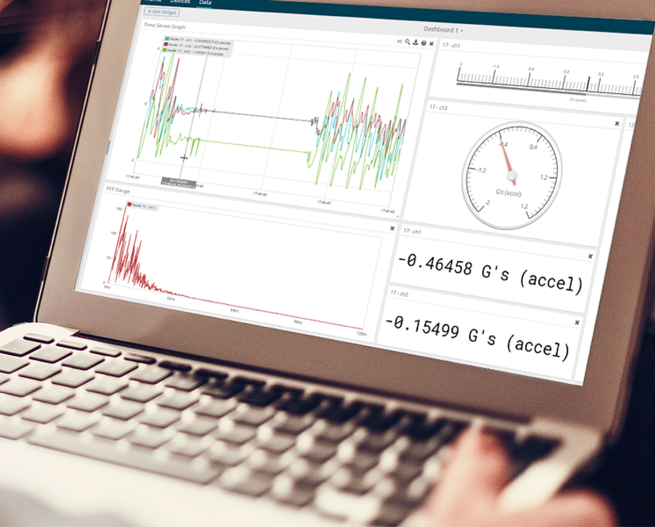
SensorCloud™
Free and paid plans available
SensorCloud is a unique sensor data storage, visualization, and remote management platform that leverages powerful Cloud computing technologies to provide excellent data scalability, rapid visualization, and user programmable analysis.
LORD sensors can instantly upload their data to SensorCloud via an ethernet-connected WSDA-2000. Once uploaded, your data is securely stored in the Cloud and can be accessed from anywhere, or downloaded for offline use.
Configurable alerts can be set to help notify you of real-time event in your data.
MathEngine allows you to perform analytics on your data, all in the Cloud. Pre-built functions are available for ease of use, while IPython Notebooks allow advanced users to write custom scripts to be run on their data once, or on a schedule.

{MSCL}
Free and open source API
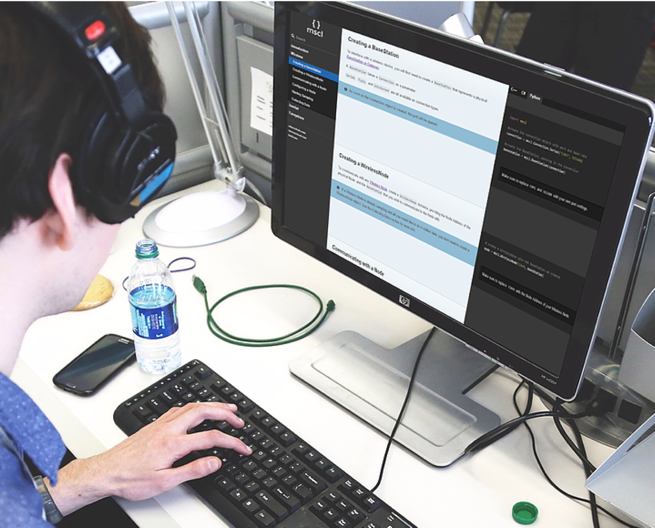
The MicroStrain Communication Library (MSCL) makes it simple to write code that interacts with our Wireless, Inertial, and Displacement sensors.
MSCL is completely open source and hosted on GitHub under the MIT license.
Full documentation, example code, and a quick start guide are provided to help you get started.
Available for C++, Python, and .NET.
Related Products
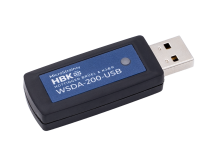
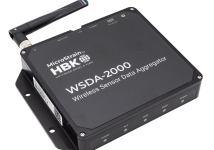 Network-ready gateway that uploads data to SensorCloud. Includes J1939 CAN, Ethernet, and USB interfaces.