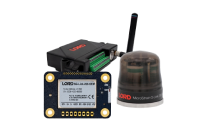
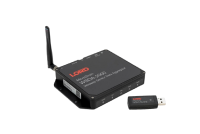


Wireless Sensor Data Aggregator
SensorCloud™ enabled.
The LORD MicroStrain WSDA® -1000 -LXRS® Wireless Sensor Data Aggregatoris an enclosed single-board computer with Ethernet connectivity. The WSDA-1000 operates in 3 different modes including Standalone, LAN, and SensorCloud™.
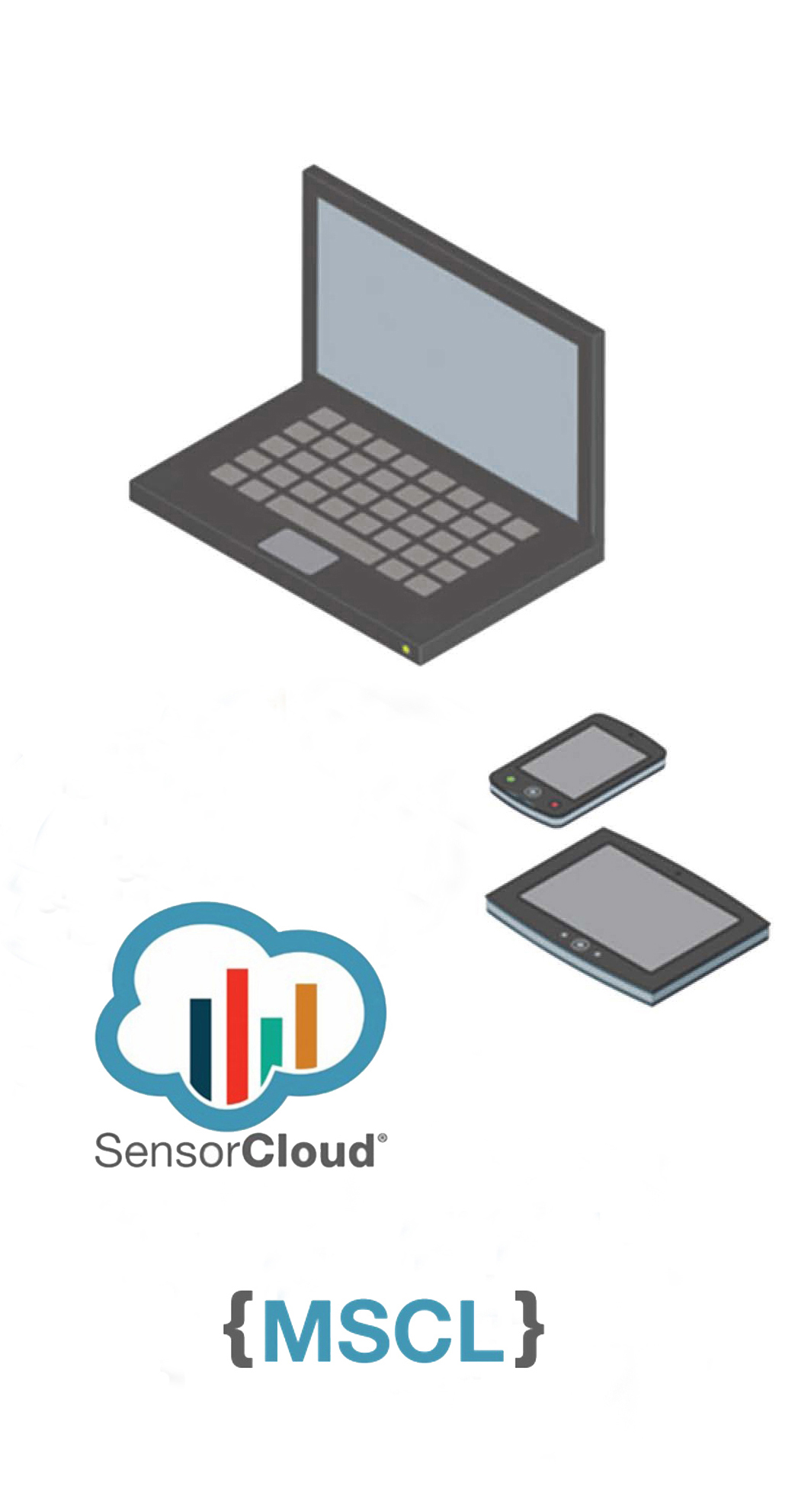
The WSDA-1000 may operate on its own with a static IP, act as an autonomous data logger on a LAN with a DHCP server, or integrate with SensorCloud™ for secure, web-based data access as well as remote network command, control and monitoring.

Wireless Simplicity, Hardwired Reliability
- Dependable data with 100% throughput under most operating conditions
- Scalable, extended range wireless sensor communication
- Autonomously aggregate high-speed, synchronized data
Ease of Use
- Quick path to unlimited sensor data via web-based portal
- Remotely configure, command and control wireless sensor networks
- Accepts all LORD MicroStrain® LXRS™ and legacy sensor nodes
Cost Effective
- Manage thousands of wireless sensors on a single gateway
- Rapid time to market for industrial and early adopter applications
- Aggressive volume discount schedule
|
-
General Documentation
- WSDA®-1000 Product Datasheet
- WSDA®-1000 Quick Start Guide
- WSDA®-1000 User Guide
- WSDA®-1000 Network Requirements
Mechanical Prints
Technical Notes
Video
Software
- WSDA Data Downloader
For users without a SensorCloud™ account, use this software to download data directly from your WSDA (OS v2.1.8 or greater, .NET Framework 3.5 required). - Live Connect
Remotely control and configure your WSDA using the Node Commander software (Live Connect is contained in the Node Commander install).
Software Development Kit
FAQ's
Firmware Updates
- Please contact microstrain support for an LXRS upgrade.
#1342: How do I repair or return a LORD MicroStrain® product?
In order to return any LORD MicroStrain® product either for repair or return, you must contact us for a Return Merchandise Authorization number (RMA). If you purchased directly from LORD MicroStrain® in the United States, please contact your Sales or Support Engineer to obtain an RMA. If you purchased directly from a LORD MicroStrain® distributor, please contact your distributor to obtain an RMA.
Direct link: view#1341: What are the terms and conditions under which LORD MicroStrain® products are sold?
LORD MicroStrain® complete terms and conditions of sale may be found at: http://files.microstrain.com/terms-conditions-sale.pdf
Direct link: view#1340: Where do I purchase LORD MicroStrain® products?
If you are located in the United States, LORD MicroStrain® supplies you directly. If you are in located in another country, LORD MicroStrain® products are available exclusively from LORD MicroStrain® distributors. Please use this locator to determine your distributor: http://www.microstrain.com/support/international
Direct link: view#1339: Does LORD MicroStrain® provide a trial period for its products?
To enable customers to try our standard products risk free, LORD MicroStrain® offers a 30 day return on the purchase of a starter kit. In order to take advantage of this offer, a purchase order or payment for the starter kit is required when the order is placed. 30 day trial details may be found at: http://www.microstrain.com/support/warranty
Direct link: view#1338: How do I get support for my LORD MicroStrain® products?
LORD MicroStrain® Support Engineers are always available to support you in any way we can by phone, email, SKYPE or Live Chat from our home page. Contact details may be found at: http://www.microstrain.com/support/contact-support
Direct link: view#1337: What is the shipping policy for LORD MicroStrain® products?
LORD MicroStrain® insures all products shipments to their full value unless the customer specifically states a different method.
Direct link: view#1336: What is the warranty for LORD MicroStrain® products?
LORD MicroStrain® warrants its standard products to be free from defective material and workmanship for a period of one (1) year from the original date of purchase. Warranty details may be found at: http://www.microstrain.com/support/warranty
Direct link: view#1330: How do I make the data file timestamp human readable in Microsoft Excel?
Microsoft Excel displays the timestamp contained in the wireless node data files incorrectly. If you were to open the CSV file with Microsoft Notepad, you will see that the timestamp is shown properly. In order to get Excel to show the human readable time, follow the below procedure:
- Highlight all of column A (column with the timestamp)
- Right click on highlighted region and select Format cells...
- Select the Number Tab in the window that open and choose Custom from the Category box
- Scroll to the bottom of the list in the Type box, find this entry: m/d/yyyy h:mm and click it
- Add to the entry an :ss.000 so it now looks like this: m/d/yyyy h:mm:ss.000
- Click OK
The timestamp willshould now be correct.
Direct link: view#1291: How do you change the radio channel on a wireless node and wireless base station?
Changing a radio channel on your wireless node and wireless base station is accomplished through Node Commander software. Follow the four step process outlined below to update your radio channel (frequency) setting. Note that radio channels on both your wireless node and wireless base station must match to establish network communication.
To change node/base station radio channel:
- Right-click Base Station/Node.
- Click Configure.
- Click Frequency.
- Click Channel, e.g. 24 (2.470 GHz).
#1189: How much network bandwidth does a WSDA-1000 use when uploading to SensorCloud?
Uploads to SensorCloud are typically dominated by the data content, with minor additional overhead for secure communications. One simple method to estimate upload bandwidth is to multiply the number of samples to be uploaded by 12 bytes. Each uploaded sample contains an 8 byte field for the timestamp, and a 4 byte field for the value. Example: If you have three nodes with one channel active all sampling at 32 Hz, your effective upload rate would be 96 samples per second. Multiplying by 12 bytes per sample, this amounts to 1,152 bytes per second. This amounts to 2,985,984,000 bytes over the course of a month, or approximately 2.78 GB.
Direct link: view#496: What radios are used in LORD MicroStrain® Wireless Sensor Networks?
The gateways (base stations and WSDA-1000) and the wireless nodes employ radios with these general specifications (see the individual product data sheet for any variations):
| Radio frequency (RF) transceiver carrier | 2.4 GHz direct sequence spread spectrum, license free worldwide (2.405 to 2.480 GHz) – 16 channels, radiated power programmable from 0 dBm (1 mW) to 16 dBm (39 mW); European models limited to 10 dBm (10 mW) |
| RF data packet standard | IEEE 802.15.4, open communication architecture |
| RF data downloading | 8 minutes to download full memory |
| Range for bi-directional RF link | programmable communication range from 70 meters to 2 kilometers |
Direct link: view
#494: Where would I find white papers describing the use of Wireless Sensor Networks?
White papers are posted at: http://www.microstrain.com/white-papers.aspx
Direct link: view#493: What is the difference between finite sampling and continuous sampling?
In FINITE sampling, the user sets a total number of samples to be taken which equates to a time period. Because the sampling rate per second is known, the user can adjust the number of samples to be taken to determine how long the sampling period will be.
In CONTINUOUS sampling, the user does not set the total number of samples and therefore does not set the time of the sampling period. By selecting CONTINUOUS sampling, the user is instructing the system to sample data until the user manually stops the sampling (via software), the power is cycled, the on-board datalogging memory is full, the battery dies, the power fails, etc.
Direct link: view#492: What data acquisition modes are available on Wireless Sensor Networks?
LORD MicroStrain® Wireless Sensor Networks provide several data acquisition modes including:
- Synchronized Sampling
- Armed Datalogging
- Streaming
- Duty Cycle
See the particular wireless node for specifics.
Direct link: view
Highlighted Documents
Applications
- Web-Based Wireless Sensor Data
- Health Monitoring of Vehicles & Structures
- Condition-Based Monitoring of Machines
- Rotating Component Health
- Experimental Test and Measurement
- System Control
Case Study
Related Products
-
WSDA-Base-AnalogWSDA® -Base -101 -LXRS® - Wireless Analog Output Base Station
-
WSDA-Base-SerialWSDA-Link® -Base -102 -LXRS® - Wireless RS-232 Base Station
-
WSDA-BaseWSDA® -Base -104 -LXRS® - Wireless USB Base Station